


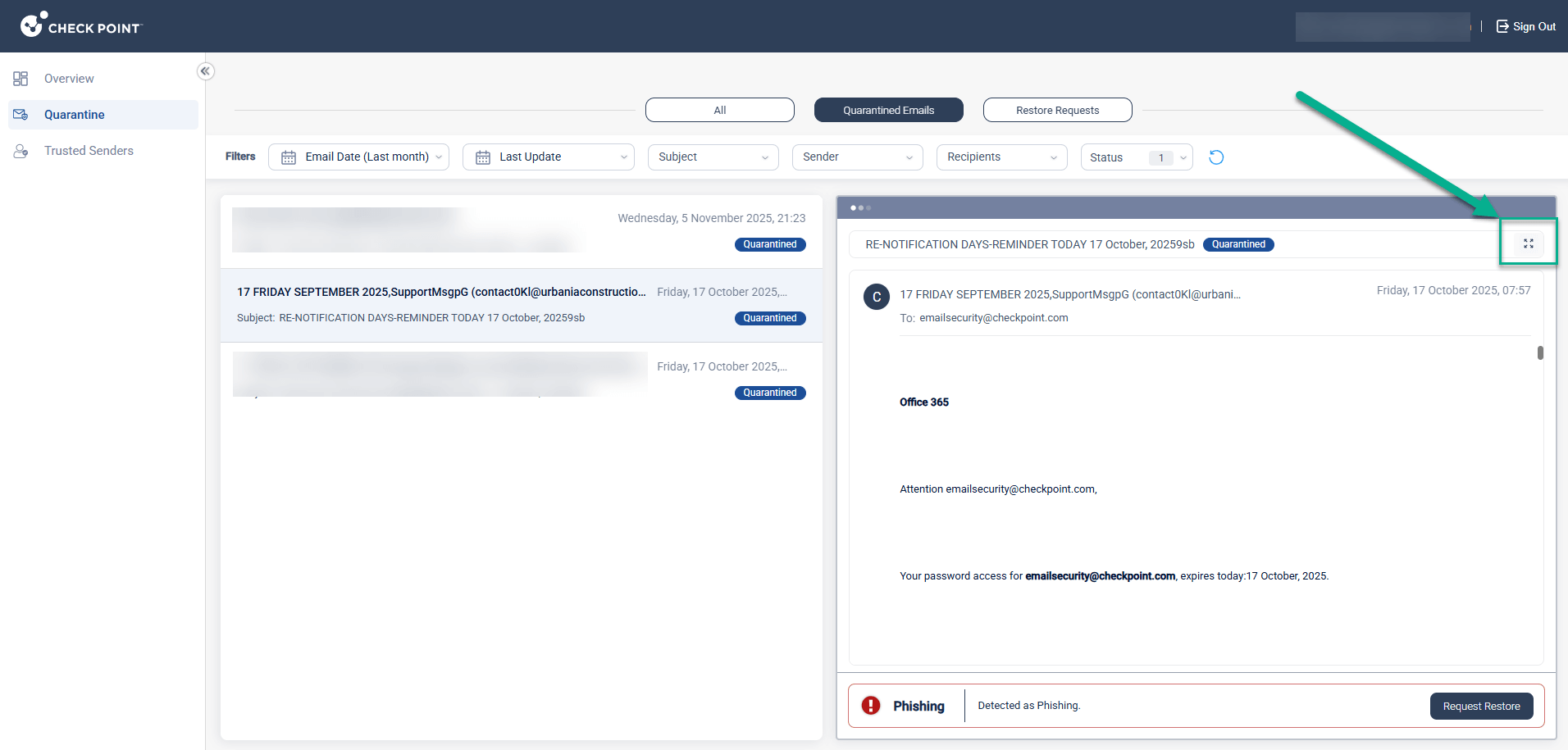
Avanan now allows end users to expand quarantined email previews into full-screen mode directly from the end user portal.
Previously, email previews in the portal were restricted to a fixed preview pane, limiting visibility and making it harder for users to review longer messages or emails with rich formatting. With this new enhancement, users can now easily switch to a full-screen view with a single click, providing a cleaner and more accessible way to review quarantined content before taking action.
This improvement enhances the overall end user experience, especially for users reviewing marketing emails, newsletters, or complex HTML messages. By offering more context in one view, users are better equipped to make informed decisions about requesting the restore of quarantined emails, ultimately reducing friction and improving security awareness.
To preview an email in full screen, users can simply click the new expand button located in the top-right corner of the preview pane:
 Contact Sales